

Share available vehicles
Let the forwarders you want to work with know your route and availability window.

Share vehicle availability, respond to loads and work with freight forwarders. Manage your orders, documents and daily business operations, too.
Let the forwarders you want to work with know your route and availability window.
Browse published loads, propose rates and respond to requests from your partners.
Orders, fleet, documents, costs and deadlines — in one carrier portal.
Add a vehicle, route and availability window. Renew or withdraw your listing whenever your plans change.
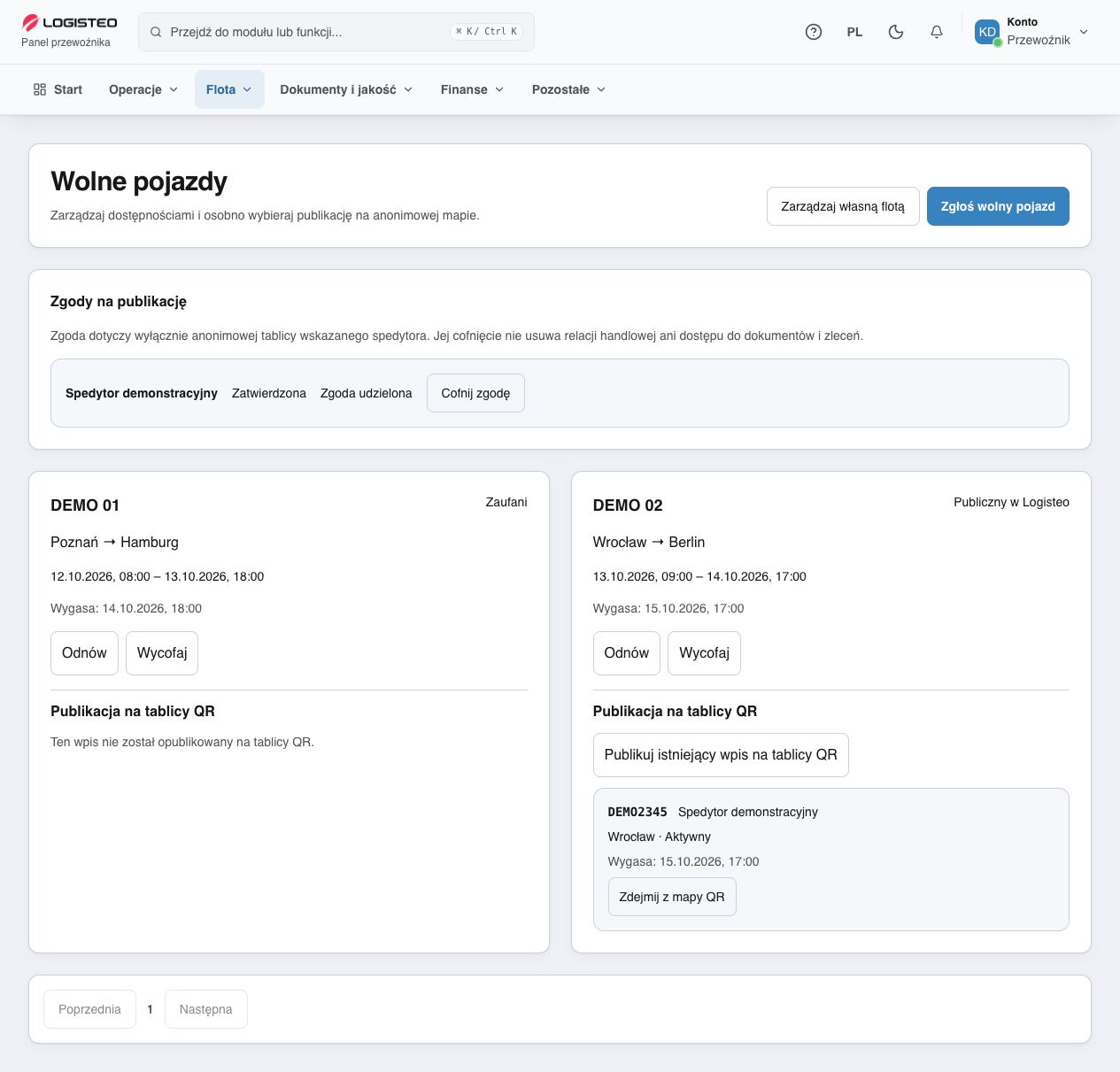
Portal preview · demonstration data
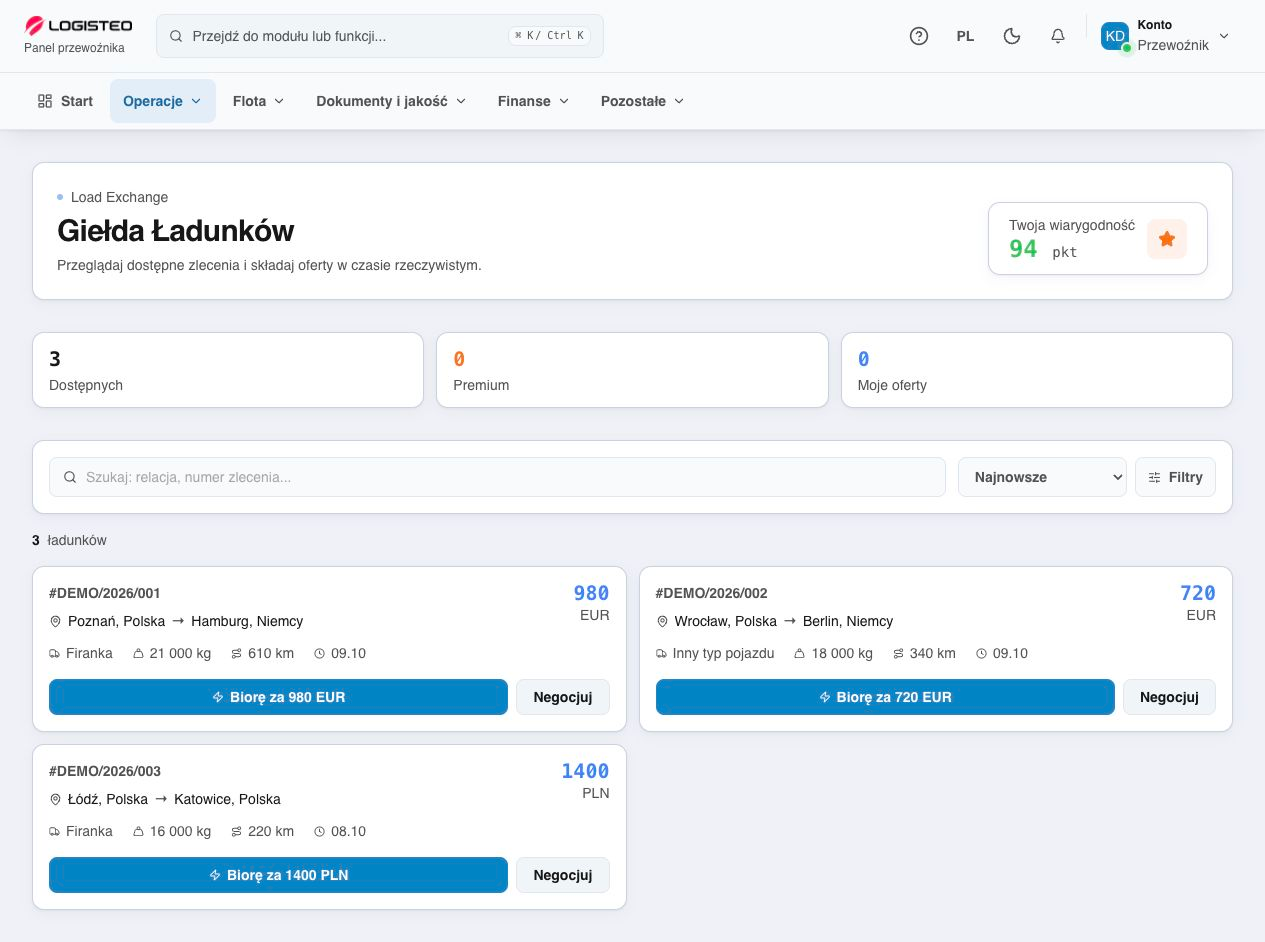
Portal preview · demonstration data
Browse loads published by forwarders. Search routes, compare offers and propose your price in the appropriate currency.
Manage established partnerships in Logisteo and keep their history.
Accept invitations from forwarders and manage active connections.
Manage partnerships, consents and sharing of individual vehicles.
Keep the route, stops, status, freight rate, vehicle and driver information at hand. Store documents with the right order.
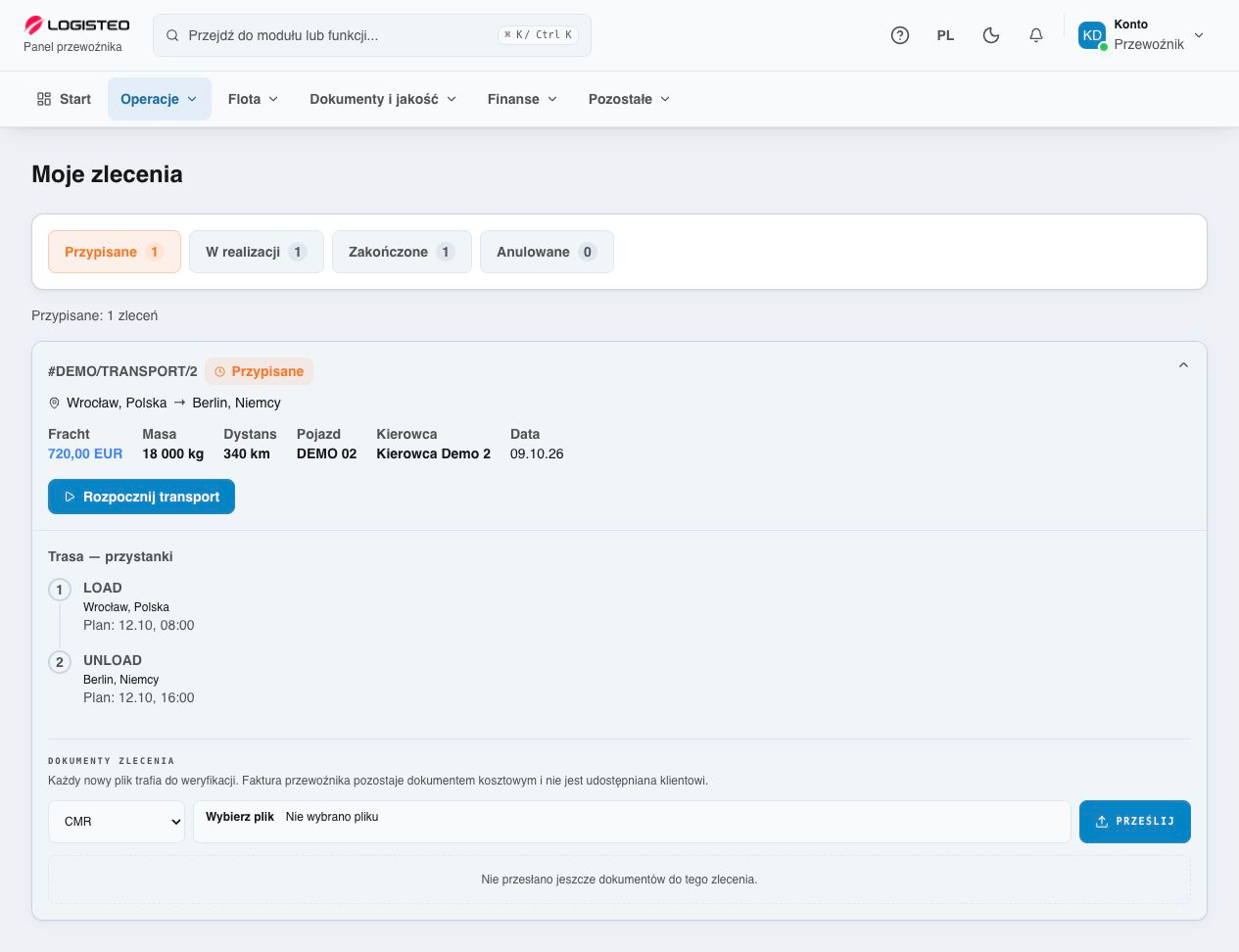
Portal preview · demonstration data
Vehicles, people, fuel and equipment — with history and documents you can return to.
Add vehicles, read registration documents, manage fleet files and couple or uncouple trailers.
Driver lists, contact and ADR information, plus a link to an active assigned order.
Costs, providers, mileage, receipts and repair history. Plan the next service by date or kilometres.
Record litres, costs, mileage and location. View fuel totals and discrepancies where GPS data is available.
Parts, oils and AdBlue. Minimum stock, adjustments, vehicle issues and stock movement history.
Inventory, assignments, returns and condition notes. Handover and damage history.
Check company and fleet documents, validity dates and tachograph records in the same portal.
Licence, liability insurance and other files. Upload, data extraction and verification status.
Document validity, insurance, inspections and recorded driver qualifications.
DDD imports, processing status, activities, infringements, borders and printout photos.
Send a photo of a company document for analysis without retyping every field.
Keep information on settlements and partnerships together. Use summaries based on data recorded in Logisteo.
Statuses, due dates, overdue amounts and separate totals for each currency.
A financial document repository, PDF invoices and document downloads in a ZIP archive.
Orders, offers and events by partner. Responses to received claims and decision history.
Punctuality, delays, cancellations, CMR timing, recorded margins and monthly summaries.
DDD data readiness and existing settlement history. Driving, work and rest.
View recorded CO₂ emissions for completed orders and your fleet’s fuel mix.
Summaries and metrics use data recorded in Logisteo. Available information depends on active partnerships and permissions.
Get to the feature you need quickly.
See what needs your attention.
Saved locations and your own notes.
Choose your portal language.
Choose the appearance for your work.
Account settings; API and GPS for administrators.
Register your account and prepare your company for cooperation.
Enter your company details and confirm your email address.
Upload documents and add vehicles. Accept your forwarder’s invitation.
List a vehicle, browse loads and use the portal’s tools.
New partnerships and publications are introduced with partners participating in the pilot.
Key information about accounts, partnerships and the pilot programme.
Yes. Registration and use of the carrier portal are free.
Yes. Create an account and prepare your company and fleet. A new partnership requires a forwarder’s invitation; we are currently developing this through a pilot with selected partners.
You choose the visibility of your listing. Publishing on an anonymous pool board is a separate decision requiring consent and approval. Public enquiries are handled by the forwarder.
Loads are published by forwarders participating in the pilot. When submitting an offer or responding to a request, you agree cooperation terms with your partner.
One place for orders, documents, fleet, deadlines, maintenance, fuel, stock and finances — with data available according to your company and permissions.
Join carriers using the portal and get ready for your next order.
Create your free account